





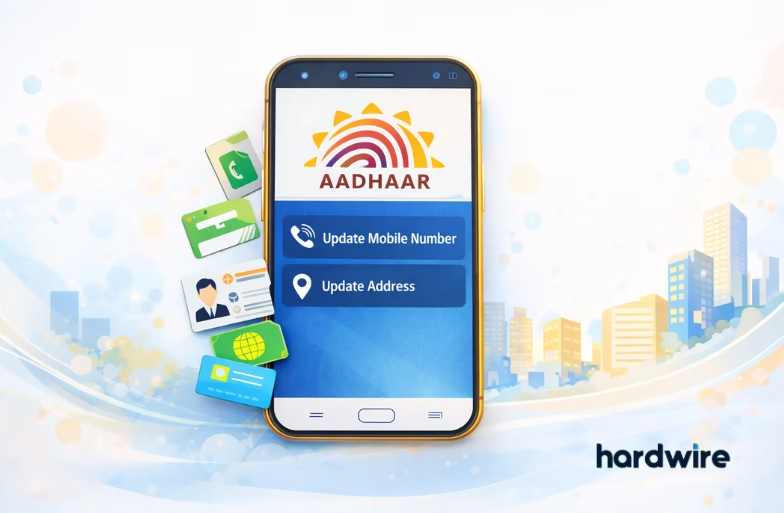
The official mobile application by the Unique Identification Authority of India (UIDAI), the new Aadhaar app, has been enhanced with new capabilities. This includes the ability to update your mobile number and address directly from your smartphone. This change is part of UIDAI’s effort to make Aadhaar management easier, safer and less dependent on physical centres or documents.
Prerequisites
Before you begin, make sure you have the following:
- New Aadhaar app on your Android or iOS device.
- A working mobile number that you can receive OTPs on (for login or verification).
- A valid Proof of Address (PoA) document (like a passport, driver’s licence, utility bill, etc.) saved on your phone for address update.
How to Update Mobile Number in the New Aadhaar App
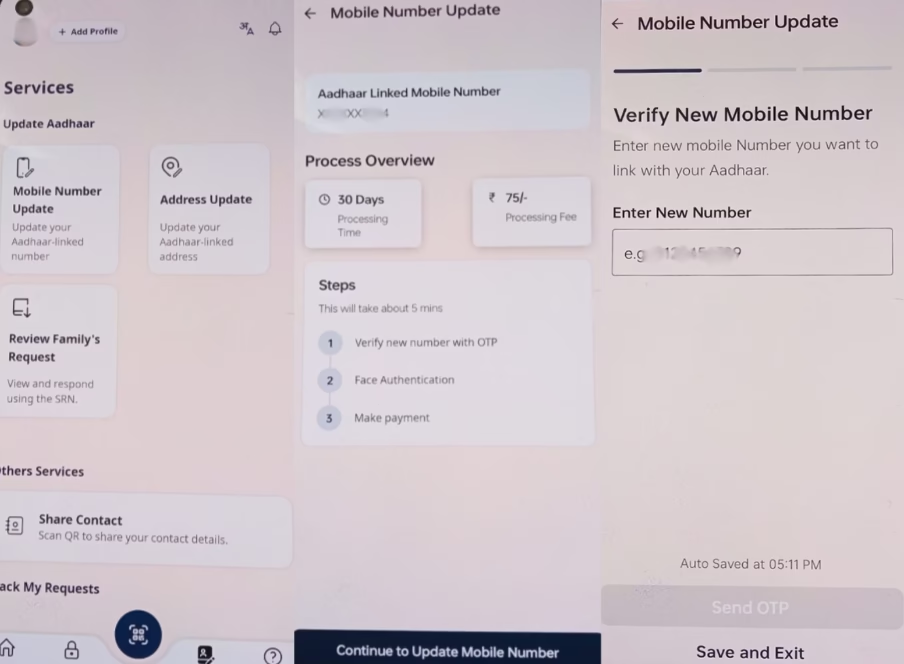
- Open the New Aadhaar app and log in with your Aadhaar number or profile.
- On the home screen, go to the Services section.
- Tap “Update Mobile Number” and enter your new mobile number.
- You’ll receive an OTP on the new number. Enter it to confirm.
Note: The update request is processed by UIDAI and may take some time to reflect in the central database. As per reports, there’s a processing period (often up to 30 days) and a nominal fee may also apply.

How to Update Address in the New Aadhaar App
- In the Services section, select “Update Address” and upload a clear image/scan of the proof document.
- Carefully review your new address details on screen and correct any mistakes.
- Submit your request. You may need to make a small payment (if applicable) and confirm the changes.
Tips to Smooth the Process
Here are some tips to help you smooth out the process of updating your address and mobile number:
- Ensure your mobile number is active before starting
- Use high-quality scans/photos of address proof to avoid verification delays.
- In case you don’t see update options, check if your app is up-to-date in the app store.
FAQs
Q1: Is there a fee for updating mobile or address details?
A: Yes. There is a nominal processing fee that may apply. Updates usually take a few weeks to be finalized.
Q2. What documents are accepted for address updates?
A: Standard Proof of Address (PoA) documents like a passport, a voter ID, utility bills, etc., are accepted.
Q3: Can I update both details in one session?
A: Yes. You can make multiple updates from inside the New aadhaar app but each update may require separate confirmation and processing.