




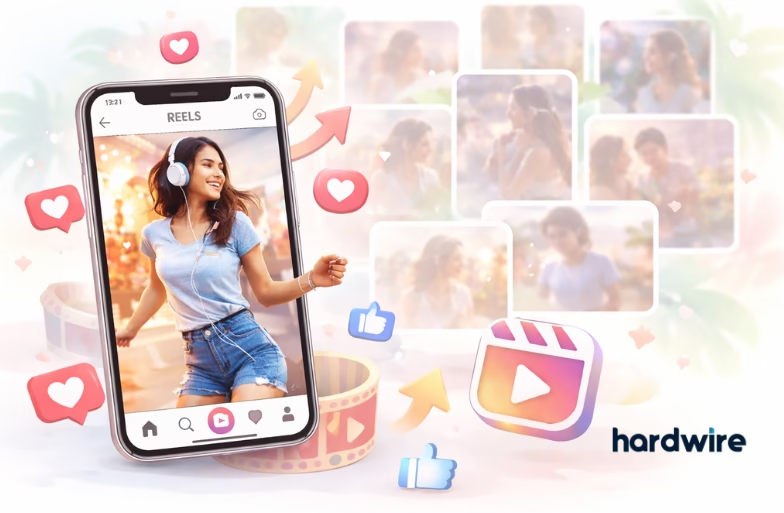
Instagram shows posts, photos and short videos (Reels) in your home feed. If you like watching Reels more than other posts, then you can train Instagram to show more Reels first. This works by telling the app what kind of content you enjoy most. Check this article to get all the steps you need to do so.
Steps to Make Reels Your Main Feed Content
Those who love watching Reels on Instagram more can guide the app to show them first. Follow these steps to make Reels appear more often in your main feed.
Step 1. Watch and Interact With Reels
- Open Instagram and watch short videos (Reels) completely.
- Like, comment, share and save the Reels you enjoy.
Step 2. Use the Explore Tab to Find Reels
- Go to the Explore tab (the magnifying glass icon).
- Scroll through the Reels shown there.
- Like and save the ones you like and follow accounts that post good Reels.
Step 3. Pin Your Favorite Reels on Your Profile
- Go to a Reel you like on your profile and tap the three dots (…) and choose Pin to profile. This makes your profile look Reels‑focused.
4. Update Your Content Preferences
- Go to Settings → Account → Posts You’ve Liked.
- Interact more with Reel posts and hide posts you don’t want to see by marking them “Not Interested.”
5. Post Your Own Reels
- Create your own short videos and share them.
- Add music, effects or trending sounds to make them more engaging.
6. Avoid Interacting With Posts You Don’t Want
- Try not to like or comment on pictures or regular posts you don’t want in your feed.
- Mark them as “Not Interested” so Instagram learns your preference.
7. Stay Consistent
- Keep watching, sharing and interacting with Reels every day.
If you follow these simple steps regularly, your Instagram experience will gradually show more Reels and fewer unwanted posts. It’s all about training the app to show you what you enjoy most.
FAQs
Q: Will Instagram always show only Reels?
Not always. Your feed will still show a mix but if you interact mostly with Reels, you’ll see more of them.
Q: Does pinning a Reel change my home feed?
Pinning only changes your profile page. But it helps Instagram understand you like Reels.
Q: Can I do this on both Android and iPhone?
Yes, the steps work on both Android and iPhone.