


WhatsApp has introduced several new features to its messaging service. The update added missed call messages, fun stickers and improved Meta AI image tools. The changes began rolling out just before the holiday season to help users stay connected. To learn more, read the full story!
Missed Call Messages Made Simple
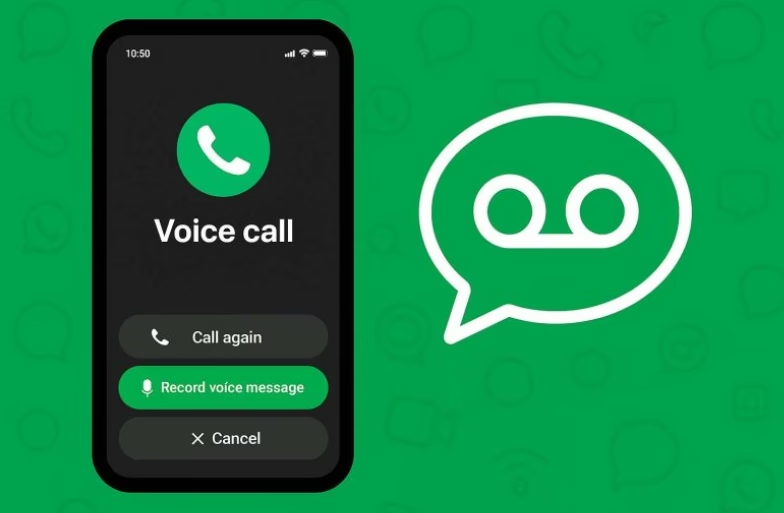
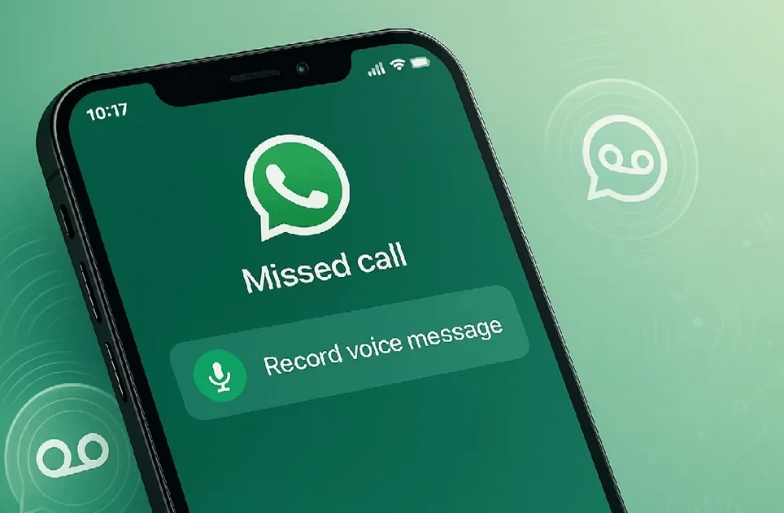
WhatsApp has added a new missed call messages feature. In this, if a call is not answered, you can now record a voice or video message with one tap. This message appears in the same chat where the missed call was seen. WhatsApp said this will make old-style voicemail less needed.
This feature works for both voice calls and video calls. It helps you explain why you called or share a quick update. The message stays in the chat so the person can listen to or watch it later.
New Status Stickers And Reactions
WhatsApp has also added new ways to express yourself. There are new Status stickers that you can use in your Stories. These include music lyrics, interactive stickers and options that others can respond to.
You can now also give reactions during voice chats. This means you can tap an emoji to show how you feel while staying in the conversation.
Meta AI Image Improvements
This update has improved WhatsApp’s Meta AI image tools. With the help of this feature, you can now generate better images using new model capabilities from Midjourney and Flux AI. This gives clearer and more creative results when you ask Meta AI to make pictures.
Another fun addition lets you animate photos. With a short prompt, Meta AI will turn a still picture into a little animated video. This can be shared in chats or on your Status.
What are some other Useful Changes?
WhatsApp has also made small but useful updates to improve the overall chat experience. These are:
- A new media tab on desktop that helps users find shared files such as documents and links easily.
- Link previews are now cleaner. Long web links will not take up too much space in chats.
- These updates help users communicate more smoothly in daily chats.
- New stickers and reactions offer simpler ways to express feelings and connect with friends.
These updates help users communicate more smoothly. Missed call messages mean you do not need to call again or send a text after a missed call. The stickers and reactions give new ways to connect with friends.
Follow Hardwire.News and stay tuned for more tech-related updates!
