




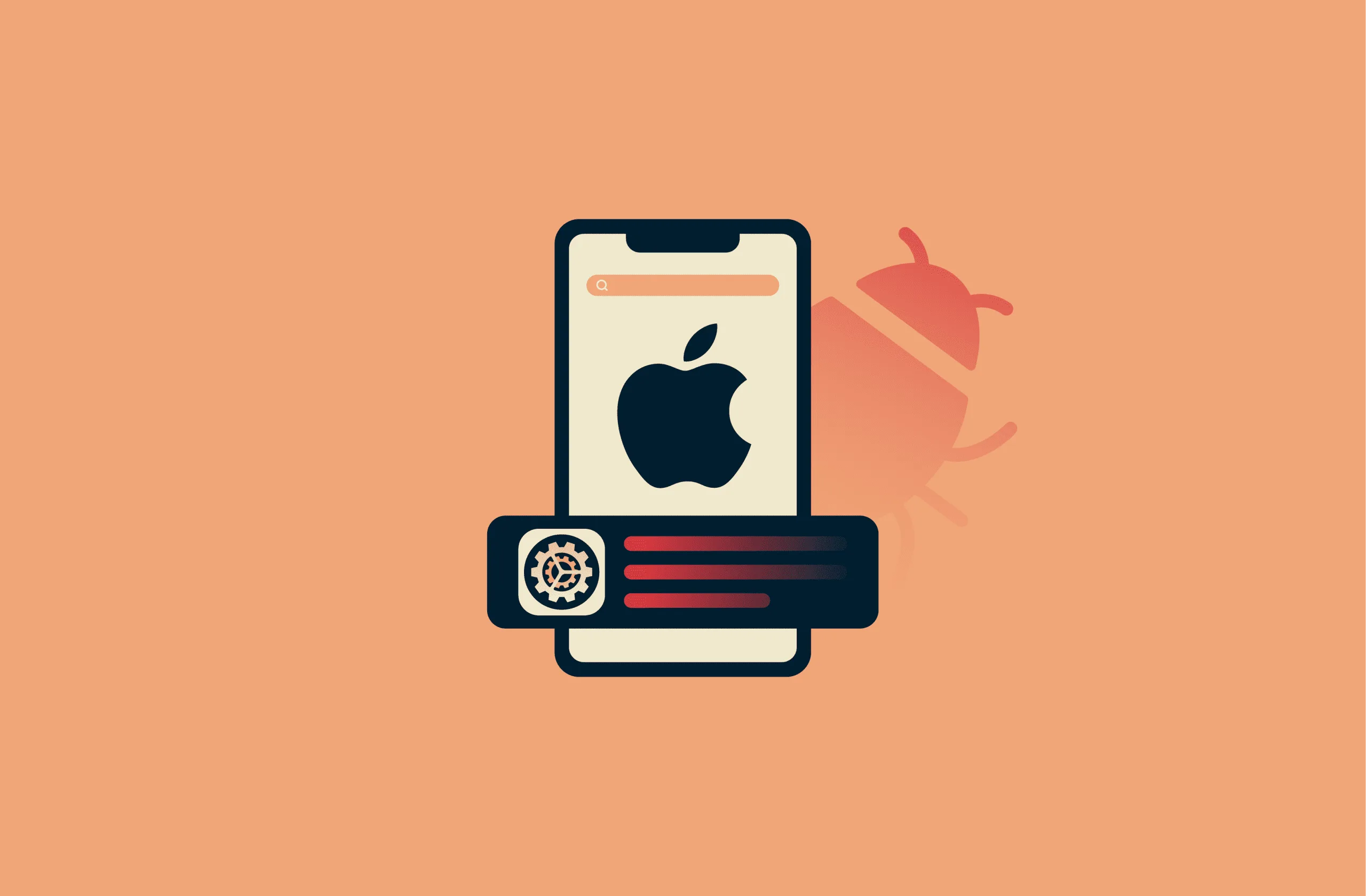
I’ve seen some clever scams in my time, but this one is genuinely terrifying. Usually, I tell you to check the “sender address” to spot a fake email, right? Well, that advice just went out the window. Attackers have found a way to hijack Apple’s official servers to send legitimate-looking phishing emails directly to your iPhone 17 and other Apple devices.
Because these emails are coming from inside Apple’s house, they are bypassing almost every spam filter on the planet.
The Hook: A Fake $899 Bill
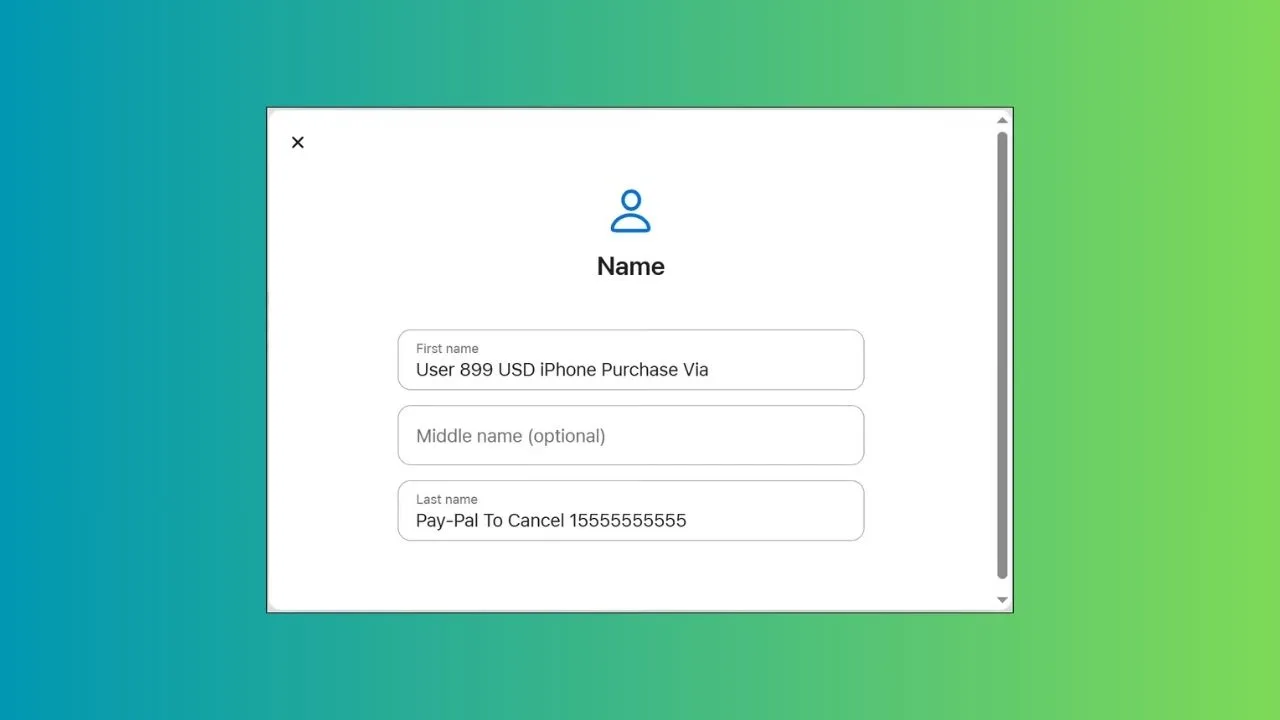
The scam starts with an email that looks exactly like a standard Apple security notification. It claims your account information has been updated, but buried inside is a “purchase reminder” for an iPhone worth $899.
-
The Trap: It includes a “support number” to call if you didn’t make the purchase.
-
The Sender: The email actually comes from appleid@id.apple.com.
-
The Legitimacy: It passes all technical checks (SPF, DKIM, and DMARC) and comes from a real Apple IP address (17.111.110.47).
Why it matters: Since the email carries a legitimate Apple signature, your mail app won’t flag it as “Junk.” It lands right in your primary inbox, making it nearly impossible for the average user to spot the red flag.
The Scam: Remote Access “Support”

-
The Goal: They’ll tell you your account has been “stolen” and you need to act fast.
-
The Software: They will try to trick you into installing remote access software.
-
The Payload: Once they have control, they can scrape your financial info, photos, and private data right off your device.
Why it matters: This isn’t just about stealing $900; it’s about a total takeover of your digital life. If someone gets remote access to your iPhone, they have everything.
How to Stay Safe
Here’s the thing: traditional security checks like looking at the header data won’t help you here because the headers are actually real.
-
Never call numbers from an email: If you see a weird charge, go directly to reportaproblem.apple.com or check your official Apple ID subscriptions in Settings.
-
Ignore the “Legit” Sender: Just because it says it’s from Apple doesn’t mean the content inside is safe.
-
No Remote Access: Apple will never ask you to install third-party software like AnyDesk or TeamViewer to “fix” your account.
My Take: A Major Vulnerability
To be honest, this is a massive oversight on Apple’s part. By exploiting the account change notification system, hackers have turned Apple’s most trusted communication channel into a weapon. Apple is likely working on a fix for these system vulnerabilities, but until then, the burden of safety is on us.
Go check your recent “Account Updated” emails right now—if you see a phone number for a purchase you didn’t make, delete it immediately. Stay tuned as I track how Apple responds to this breach.


