


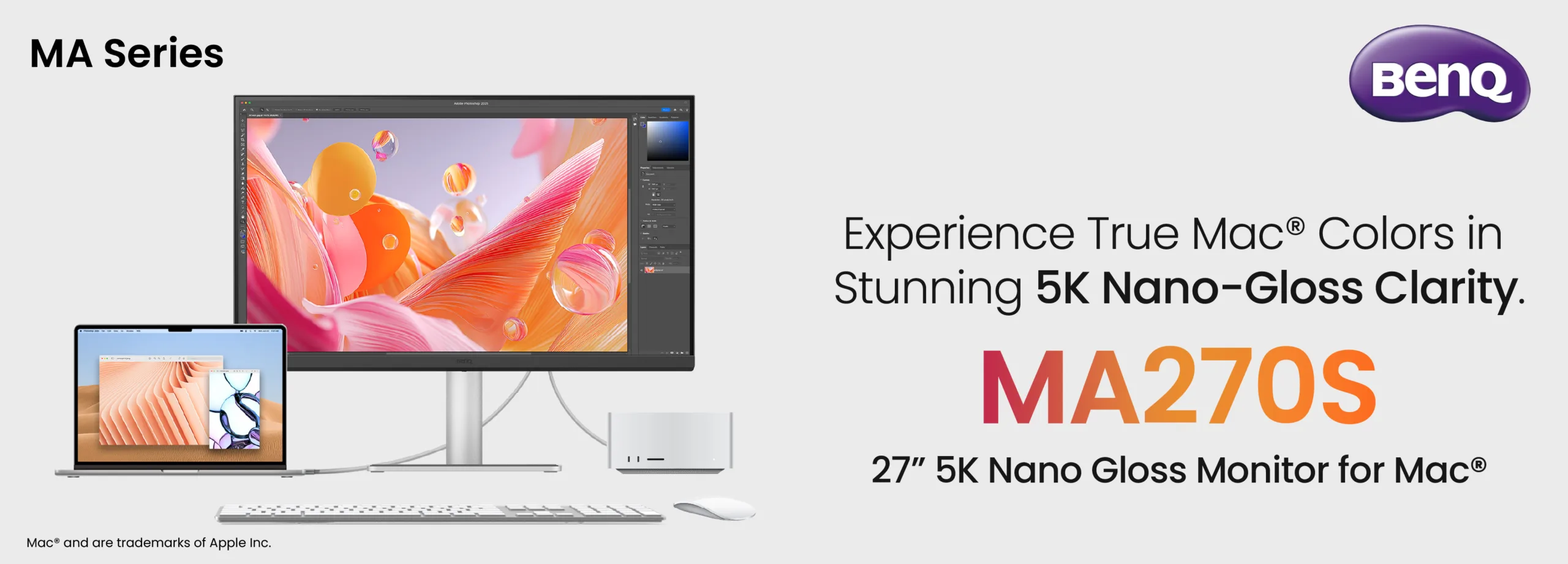
If you’ve ever plugged your MacBook into an external monitor and felt that immediate “ugh” because the colors looked washed out or the scaling felt off, I have some news you’re going to love. BenQ just dropped a bombshell for the creative community: the MA270S 5K Flagship.
This isn’t just another monitor with a “Mac compatible” sticker slapped on the box. I’ve been tracking this space for a while, and this is the first time we’re seeing a display engineered to behave like it was actually made in Cupertino.
The “Retina” Experience, Unlocked
The biggest headache for Mac users is pixel density. Most 27-inch monitors are 4K, which makes macOS look slightly blurry or awkwardly sized. The MA270S fixes this by hitting that 5K sweet spot.
-
5120 x 2880 Resolution: You get exactly 218 PPI (pixels per inch), matching the clarity of an iMac or Studio Display.
-
Nano Gloss Panel: It brings that “pop” and deep contrast we love on Apple screens, but handles reflections much better.
-
99% P3 Color: It’s tuned to mimic Mac color profiles out of the box. No more “why does my green look yellow on this screen?” moments.
Why it matters: If you’re editing video or designing UI, what you see on your laptop screen is exactly what you see on the big screen. No second-guessing your exports.
It Actually “Speaks” macOS
I noticed something brilliant here: BenQ’s Display Pilot 2 software. Usually, changing brightness on an external monitor involves fumbling with clunky buttons on the back. Not here.
-
Sync Your Keys: Use your actual Mac keyboard to control brightness and volume.
-
Auto-Sync: It automatically matches its color settings to your MacBook’s profile.
-
Smart KVM: If you’re a pro who jumps between a Mac and a PC, you can use one mouse and keyboard for both seamlessly.
The One-Cable Dream (Thunderbolt 4)
The back of this monitor is a powerhouse. It uses Thunderbolt 4, which is a massive win for cable management.
-
96W Power Delivery: It charges your MacBook Pro at full speed while sending video data.
-
Daisy Chaining: You can plug a second 5K monitor directly into the first one—only one cable goes to your Mac.
-
Height & Pivot: The stand is fully ergonomic (150mm height adjust), so you don’t need to buy a separate VESA arm just to save your neck.
The Strategy Shift
By launching this at ₹94,998, BenQ is clearly coming for the Studio Display’s lunch. While Apple’s own display is iconic, BenQ is offering similar (and in some cases, better) connectivity and ergonomics for a much more competitive price. It’s a move that transforms the monitor from a peripheral into a literal extension of your laptop.
The Tech Specs at a Glance:
-
Panel: 27-inch 5K Nano Gloss
-
Refresh Rate: 70Hz (a nice bump over the standard 60Hz)
-
Contrast: 2000:1 (Deep blacks for an IPS)
-
Ports: Thunderbolt 4, HDMI, USB-C, and a built-in Hub.
The Bottom Line: If your workflow lives in the Apple ecosystem but you’ve been hesitant to drop nearly 1.5L on a first-party monitor, this is the one to watch.
I’ll be keeping an eye on how these panels hold up in long-term creative sessions, so stay tuned for a deep-dive performance review coming soon!

