



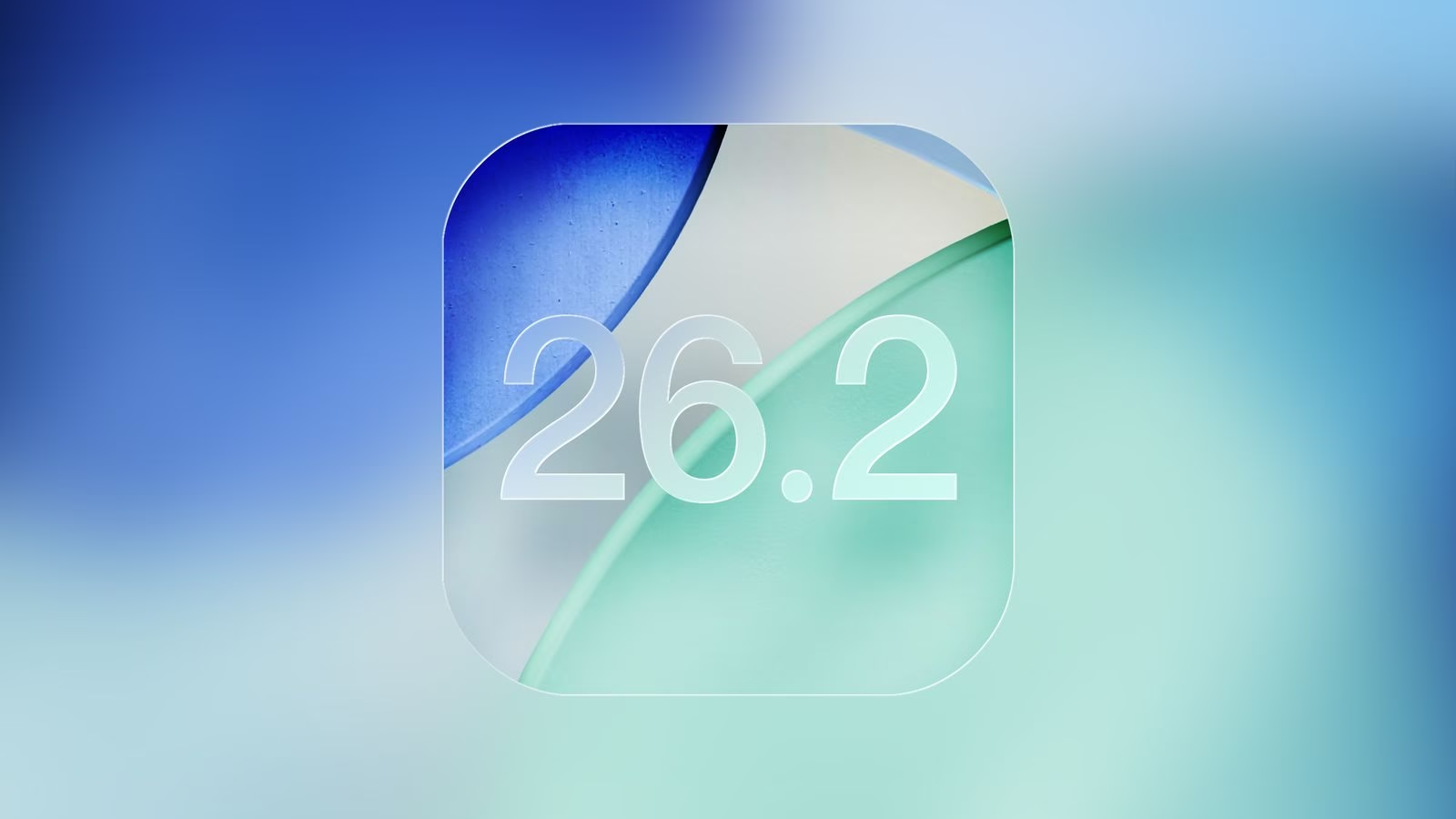
Apple has started rolling out the second developer beta of iOS 26.2 for iPhone users, and while it’s not a massive update, it brings a bunch of thoughtful refinements across the system. As reported by MacRumors, this new beta focuses on polishing apps, improving animations, and adding small usability upgrades that make everyday use feel smoother.
What’s new in iOS 26.2 Developer Beta 2
Games app gets smarter navigation: Apple has updated the Games app with new sorting and filtering tools, making it easier to browse your library. Controller navigation has also been improved, and you now get real-time score updates while playing, which should be great for competitive gamers.
Measure app gets a fresh look: The Measure app now has a redesigned level tool that uses Apple’s new Liquid Glass design. Instead of the old white circles, you’ll now see two fluid-like bubbles that match Apple’s modern UI aesthetic.
CarPlay receives a useful tweak: If you use Messages in CarPlay, you can now turn off pinned conversations directly from CarPlay settings. It’s a small change but gives users more control without needing to pick up their phone.
Faster menu animations: Pop-out menus that expand from corner buttons now have smoother and faster animations. These animations look closer to what Apple previewed at WWDC, offering a more polished feel across the interface.
This update comes shortly after Apple released the first public beta of iOS 26.2. That version introduced a Lock Screen customisation slider and improvements to apps like Reminders, Health and Podcasts. It also expanded AirPods Live Translation features for users in the European Union.
iOS 26.2 Developer Beta 2: Supported Devices
The beta is available for a long list of iPhones, including:
iPhone 17 series: iPhone 17, 17 Pro, 17 Pro Max, iPhone Air
iPhone 16 series: iPhone 16, 16 Plus, 16 Pro, 16 Pro Max, 16e
iPhone 15 series: iPhone 15, 15 Plus, 15 Pro, 15 Pro Max
iPhone 14 series: iPhone 14, 14 Plus, 14 Pro, 14 Pro Max
iPhone 13 series: iPhone 13, 13 mini, 13 Pro, 13 Pro Max
iPhone 12 series: iPhone 12, 12 mini, 12 Pro, 12 Pro Max
iPhone 11 series: iPhone 11, 11 Pro, 11 Pro Max
iPhone SE: 2nd generation and later
How to install iOS 26.2 Developer Beta 2
If you’re a developer and want to try the update, here’s how to get it:
-
Sign in to the Apple Developer website and enroll your device in the iOS 26 beta program.
-
Make sure your iPhone is logged in with the same Apple ID you used on the Developer website.
-
On your iPhone, go to Settings > General > Software Update.
-
Tap Beta Updates and select iOS 26 Developer Beta.
-
When iOS 26.2 Developer Beta 2 appears, simply download and install it.