


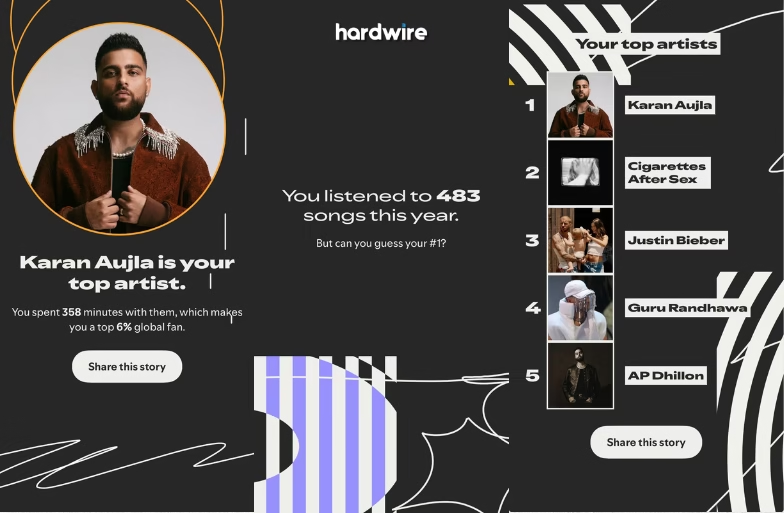
That time of the year is here again! We are super close to saying goodbye to 2025 and welcoming 2026 with new hopes and beginnings. As the year comes to an end in a few weeks, Spotify has released its much-awaited Wrapped 2025. The platform highlights your top singers, genres, and more. Wondering how to check yours? We have listed the guide below.
How to Check Your Spotify Wrapped 2025
This year, Spotify has made it quite easy to access Wrapped 2025. These steps apply to both Android and iOS users.
- Open your Spotify app.
- On the home screen, you will see a large banner that reads “Your Wrapped 2025 is here!”
- Tap on the banner to view your personalised story, stats, top artists, genres, minutes listened, and listening personality.
- Scroll further to access playlists like “Top Songs 2025.
If the app is showing any technical glitches and stopping you from viewing your Wrapped 2025, don’t worry — we’ve got you covered. Click here to unlock yours. This will redirect you to the Wrapped page and prompt you to log in. Once done, your Wrapped 2025 will appear on the homepage.
Spotify Wrapped 2025 Reactions
Meanwhile, many users have already shared snapshots of their Wrapped 2025 across social media platforms. The feature once again proves Spotify’s massive audience and why its yearly recap holds such a strong emotional pull.
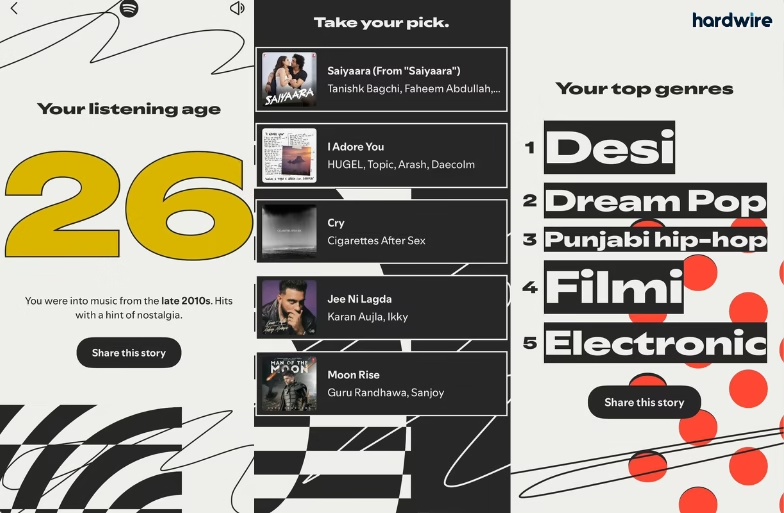
It’s not just about what you listened to — it reflects the moods you lived through this year. It brings back nostalgia, letting you replay those timeless classics or loop that one heartbreak melody (no judgment at all). This is your story, told beautifully through music.
