


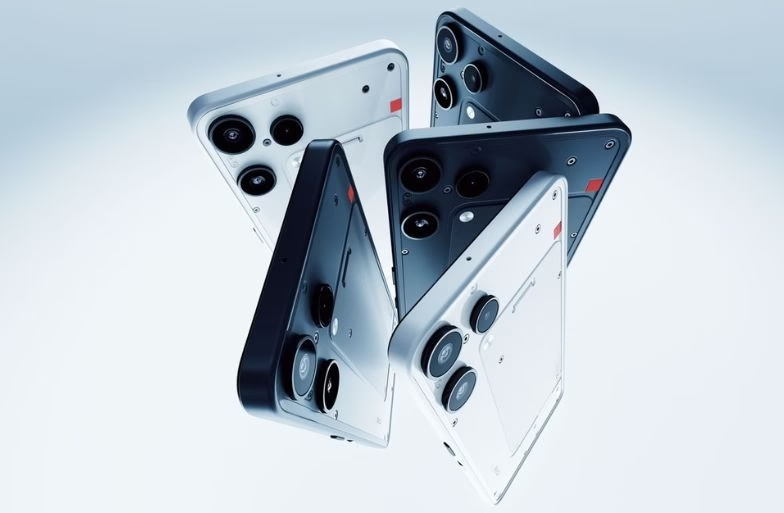
Nothing has officially started rolling out the Nothing OS 4.0 update. It is considered the latest custom skin based on Android 16. It is available in the Nothing Phone 2 series, including Nothing Phone 2, Nothing Phone (2a), and the Nothing Phone (2a) Plus.
Nothing OS 4.0 Update Features
The new Nothing OS 4.0 brings UI improvements, new creative tools, privacy upgrades, and device-specific firmware versions. The company has rolled out the update on 28 November. It has been created to level up the performance, smoother animations, and faster screen response, especially while launching heavy applications.
One of the biggest highlights under the latest update is the camera setup. With the Nothing OS 4.0 update, users will notice a faster shutter response, better low-light photography, and more stable overall camera performance. It also offers improved colour accuracy, richer details, and more consistent results when switching between modes. These upgrades may seem subtle, but they play a major role in boosting everyday camera usage.
The interface has also been redefined via the latest update, making it cleaner and more responsive. Icons, notifications, and menus now follow a more polished structure, giving the software a minimalistic and modern feel. Users will also experience smoother animations, sharper transitions, and better multitasking with reduced lag.
How to Install Nothing OS 4.0
- Back up your photos, apps, and settings.
- Connect to Wi-Fi and ensure your phone has at least 50% battery.
- Go to Settings, click on System and then Software Update.
- If the update appears, tap on “Download” and install it.
- Restart your device once the installation completes.
Nothing OS 4.0 has been considered a meaningful update, featuring a long list of improvements that push the device closer to peak performance. After the update, customers can expect faster response, especially if the phone has been slowing down or feeling less responsive lately.
